
Phone Mirror app - True Mirror
Phone Screen Mirroring To All Your Devices
Screenshots
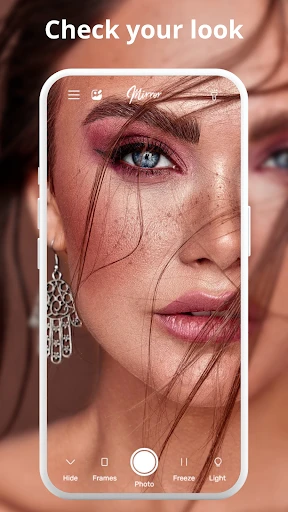

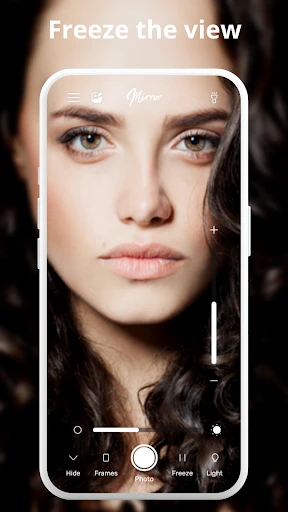

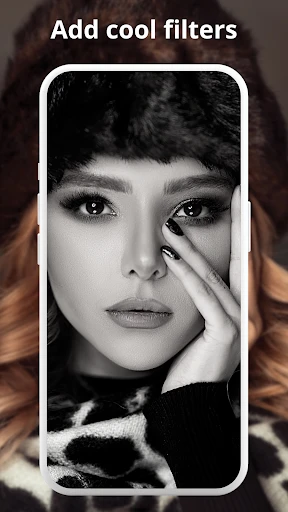
Phone Mirror app - True Mirror
Have you ever wanted to see your phone's screen on your computer with almost no effort? That's the promise of the Phone Mirror app - True Mirror, and honestly, it delivers. Whether you're into mobile gaming, need to give a presentation, or just want to handle your phone's stuff on a larger display, this app aims to make it all super simple.
Getting Your Screen Mirroring Ready
First up, getting the app is a breeze. You can grab the Phone Mirror app from either the Google Play Store or the Apple App Store, so it works for everyone. After you install it, the setup is really simple. Just make sure your phone and computer are on the same Wi-Fi network, and you're most of the way there! The app's clear instructions and easy-to-use design will help you finish the setup in no time.
A huge plus is how well it works with different devices. It doesn't matter if your phone is an Android from a few years back or the newest iPhone; the app is built to provide a smooth connection for all.
Cool Features You'll Love
Once everything's connected, the fun starts. True Mirror is packed with handy features for all sorts of uses. For people who love games, it's a total win. Picture playing your top mobile games on a big screen without any annoying delay. The app uses smart tech to show your phone's screen on your computer instantly.
And it's not just for playing games. If you often do demos or presentations, this app will feel like a lifesaver. You can even control your phone directly from your computer, which is perfect for flipping through slides or showing how an app works.
How Well It Works and How Easy It Is To Use
In terms of performance, the True Mirror app is really solid. It does what it says it will do without freezing or dropping the connection. The app operates smoothly, and it's refreshing that it isn't cluttered with ads, which is a big deal these days.
It's also incredibly easy to use. You don't need to be a tech expert to figure it out. The layout is straightforward and logical, showing that the people who made it really thought about the user's experience.
Wrapping It Up
To sum it up, the Phone Mirror app - True Mirror is an excellent tool for effortlessly linking your phone and computer. No matter if you're a gamer, a presenter, or just want to watch videos on a bigger screen, this app is definitely worth a look. It's dependable, works well, and above all, it's easy for anyone to use. So why not try it out and take your mobile experience up a notch
Advantages
- Easy setup and user-friendly interface.
- Supports multiple device connections.
- High-quality screen mirroring.
- Low latency for real-time display.
- Compatible with both Android and iOS.
Disadvantages
- Occasional connection drops.
- Limited free version features.
- High data usage during mirroring.
- Some devices may experience lag.
- Requires stable internet connection.
Frequently Asked Questions
Q: What is the primary function of the Phone Mirror app - True Mirror?
A: The Phone Mirror app - True Mirror is designed to enable users to mirror their smartphone screens onto larger displays, such as TVs or computers, wirelessly. This can be useful for presentations, gaming, or simply viewing content on a bigger screen. The app ensures a seamless connection with minimal latency, offering a smooth mirroring experience.
Q: Is the Phone Mirror app - True Mirror compatible with all devices?
A: The compatibility of the Phone Mirror app - True Mirror depends on the operating system and version of your device. It supports most Android and iOS devices running recent OS versions. However, for optimal performance, it is recommended to check the app's specifications on the download page to ensure your device is supported.
Q: Are there any security concerns while using the Phone Mirror app - True Mirror?
A: The developers of the Phone Mirror app - True Mirror prioritize user security by implementing robust encryption protocols to protect the data transmitted between devices. However, users should ensure their network is secure and avoid connecting to unknown or public Wi-Fi networks to minimize any security risks while using the app.
Q: Does the Phone Mirror app - True Mirror require an internet connection to function?
A: While the Phone Mirror app - True Mirror does not necessarily require an internet connection for screen mirroring, both devices (the phone and the display) must be connected to the same local Wi-Fi network. This local network connection facilitates the communication between devices, allowing for smooth and uninterrupted mirroring.
Q: What are some common issues users face with the Phone Mirror app - True Mirror and how can they be resolved?
A: Users might experience connectivity issues, lag, or screen freezing with the Phone Mirror app - True Mirror. To resolve these, ensure both devices are on the same Wi-Fi network and that the network is stable. Restarting the app or devices can also help. For persistent issues, consulting the app's support or FAQ section might provide additional solutions.
Technical Information
Recommended for You

English to Spanish Translator

CEFCO Rewards

GPS Speedometer - Odometer App

BET+

Caesars Sportsbook

LingoDeer - Learn Languages

Travelocity Hotels & Flights

RPG Scribe Pathfinder & 3.5e

Yalla Shoot - Live Scores

Remote Control for Roku TV

BikeWale- Bikes & Two Wheelers

avianca

CVS Specialty

ATOM Store, Myanmar

Cool Ringtones 2025

Apartments.com Rental Search

Waveful - Become a Creator

Simply Piano: Learn Piano Fast

DODO - Live Video Chat

Music ringtones for android

Friend Tracker: Find Anyone

Voice Recorder Pro

Color Call Theme, Call Screen
